
The journal
How to clean the inside screen of a car
Clean an interior car touchscreen by its actual screen-care instructions, using the specified cloth and method without assuming alcohol or glass cleaner is approved.
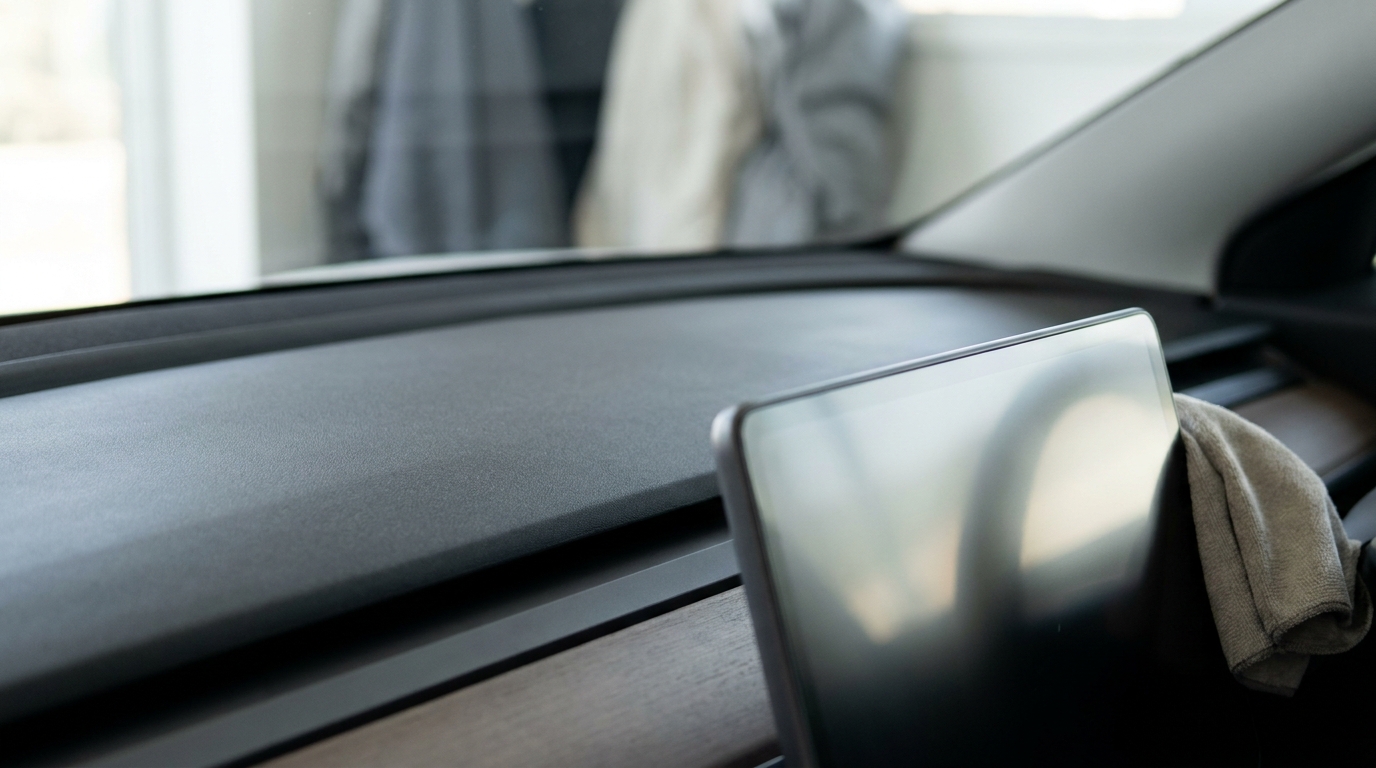
For an interior touchscreen or infotainment display, begin with the exact vehicle manual’s screen-cleaning instructions. Use the specified soft, lint-free display cloth and gentle pressure. Do not assume that isopropyl alcohol, glass cleaner or a general interior cleaner is approved for the screen simply because it works on another surface.
Check the screen rather than the generic cleaner label
Displays can have different coatings and restrictions. A product described as safe for glass is not automatically suitable for an anti-glare touchscreen, and a dashboard-cleaning instruction may exclude the display. Find the screen or instrument-panel section for the actual model and year.
For example, the Tesla Model S cleaning instructions specify a soft, lint-free cloth designed for displays, prohibit cleaners such as glass cleaner and alcohol-based gel products, and warn about statically charged materials. They also describe a screen-cleaning mode. This is a model-specific example, not permission to use the same chemical or menu sequence in every car.
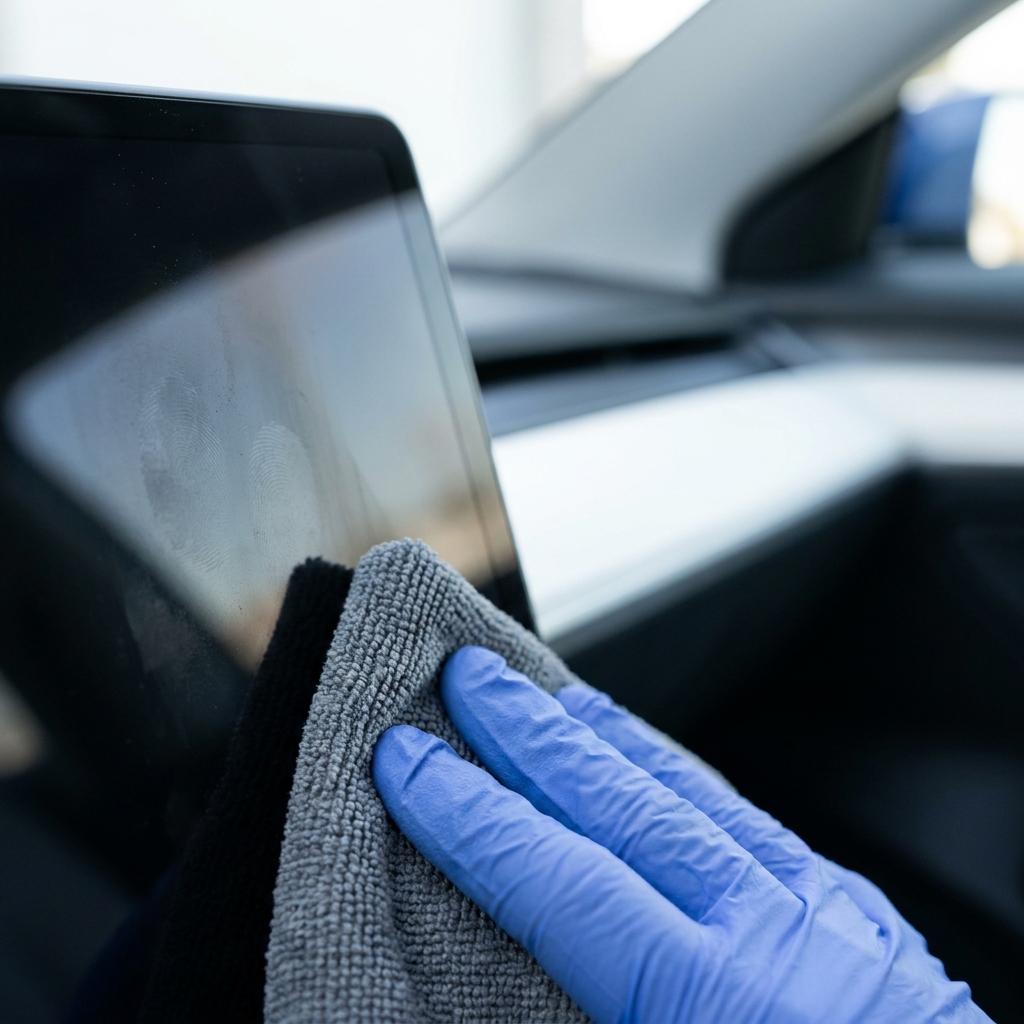
Use a careful cleaning sequence
- Park securely before working on the display. Follow any instructions for switching it off or using its documented cleaning mode.
- Check the cloth for grit and use the type specified for the screen. Do not rub a dirty cloth over the surface.
- Use gentle passes to lift dust and light marks. Avoid heavy pressure, abrasive pads and attempts to scrape the screen.
- If the manual allows a damp cloth or a particular cleaner, follow that exact method and amount. Keep excess liquid away from edges, controls and openings; do not spray directly unless the maker specifically instructs it.
- If marks remain, stop and check the screen instructions or ask the maker before trying a stronger product.
For the cloth itself, see our microfiber washing guide. A cloth suitable for another car-care job may contain polish, grit or other residue, so keep a display cloth separate and follow its care instructions too.
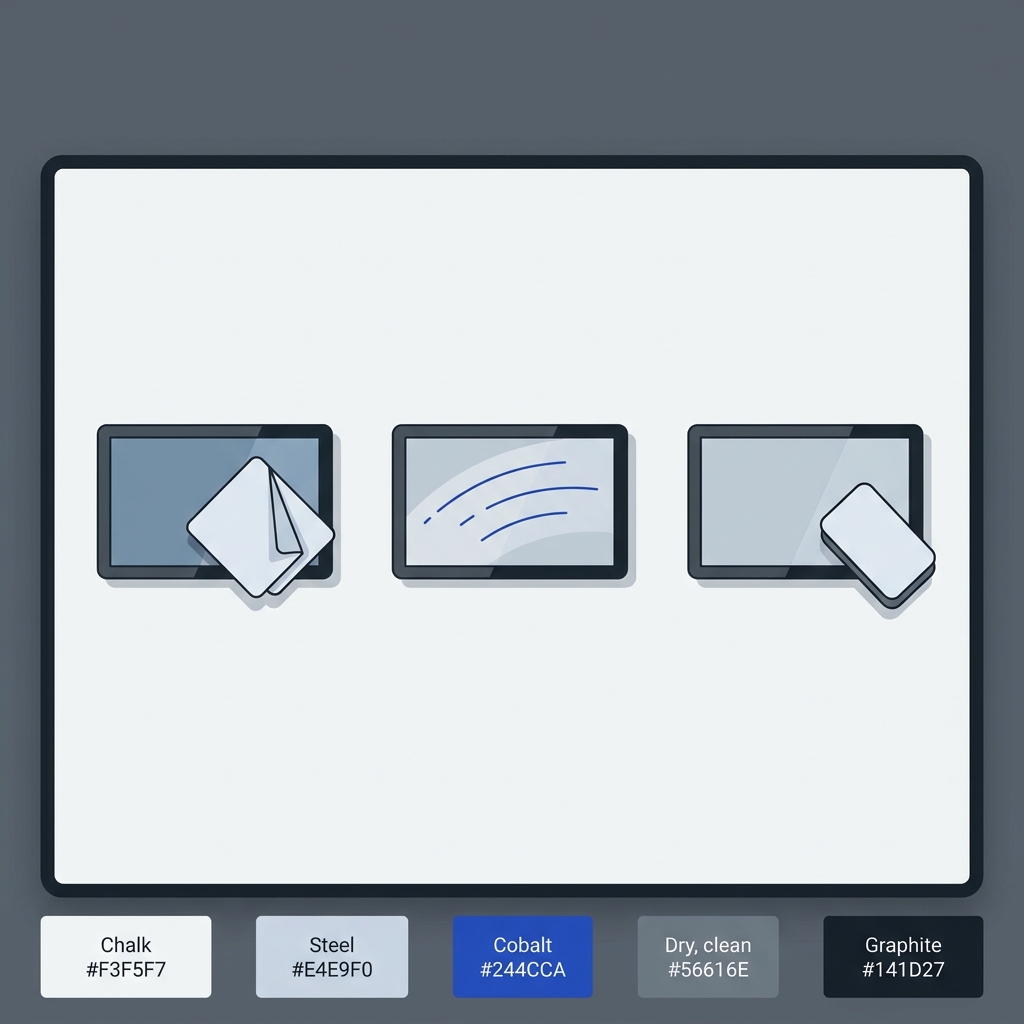
Distinguish a smear from surface damage
Fingerprints and removable residue are different from scratches, damaged coatings, trapped moisture or a display fault. Repeated rubbing or a stronger solvent will not necessarily fix those problems and may worsen them. If the surface changes appearance, touch response becomes abnormal or moisture appears inside an edge, stop and seek the appropriate inspection.
A useful check is to compare the surface after one gentle approved pass rather than repeating the same attempt more forcefully. If a cleaner has already caused a change, keep its product details for the manufacturer or repairer instead of adding another chemical on top.
Check before cleaning an interior car display

Related guides
Optional equipment for this guide
Follow the display maker’s cleaning method first. A dedicated cloth can help keep gritty exterior-cleaning materials away from the screen.
As an Amazon Associate I earn from qualifying purchases. These are researched options, not hands-on test results. Check the exact size or model, current price and availability on Amazon.
| Product option | Fit and limits to check | Retailer |
|---|---|---|
| Product imageMagicFiber microfiber cleaning cloths, 6-pack | A clean microfiber display cloth, only if the vehicle manual permits this material on the exact screen. Use gentle pressure and the specified moisture or solution; do not use a dirty car-wash towel. | View on Amazon |