
Schedule inspection around changes in how and where the car is used. Cosmetic cleaning, maintenance requirements and safety checks are different jobs. Use the care calendar for reminders, and keep the vehicle’s service schedule and safety guidance as their own sources.
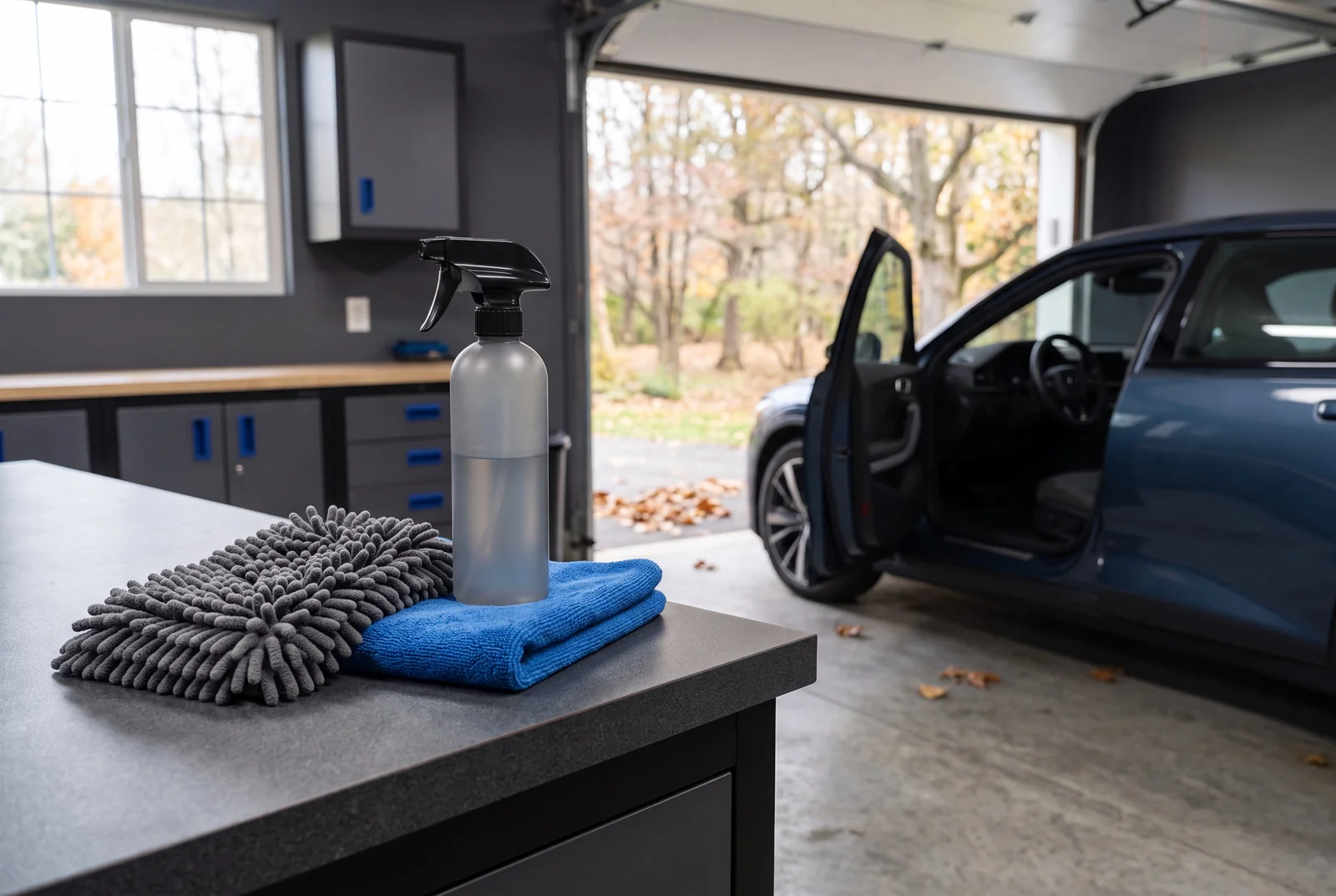
Choose by the job
| Decision | Why it matters | What to check |
|---|---|---|
| Parking and weather | Change the exposure pattern | Review the car’s actual environment |
| Interior use | Mud, sand or passengers alter the cleaning need | Adjust the routine to the mess |
| Equipment storage | Products have storage limits | Read labels before leaving them in the car |
| Safety maintenance | Requires vehicle-specific guidance | Use the owner’s manual and qualified service |
Choose inspection triggers
Look at where the car is parked and the contamination it meets. A garage-kept car and a car beneath trees have different exposures. Use the calendar for a regular check, then add practical triggers such as a particularly dirty journey. The plan covers appearance and cleaning, not mechanical servicing.
Keep three simple records
Maintain a note of the surface types, products currently applied and the date of the last relevant care. This helps avoid layering incompatible products or repeating treatment without a reason. Save the installer’s instructions for any film or coating with the same record.
Adapt the session to conditions
Cold, heat and limited drying time can make an otherwise familiar procedure unsuitable on a particular day. Follow product temperature and application conditions. Schedule a smaller inspection or interior task if a full exterior process cannot be carried out correctly.
Make reminders useful
Choose your first date, interval and number of reminders in the calendar tool. Import the file into your own calendar and set notifications there. Write “inspect protection” rather than “apply wax” unless the product instructions and inspection actually support it. Review the plan when the season or parking arrangement changes.
Make the choice useful
Keep the plan short enough to use. Separate an ordinary cleaning task from a repair, warning light or visibility problem that needs timely attention. Store products according to their instructions, taking account of the environment where they will be kept. A calendar export is a convenience for organising a chosen routine; it is not a diagnostic system or a replacement for the manufacturer’s maintenance schedule.
Before the next session
No. The tool creates an all-day calendar file for the dates you choose. Import it into your own calendar and configure any notifications there. It does not connect an email account or monitor the car.
ILLUSTRATIVE EXAMPLE
A practical example
A seasonal reminder can ask you to inspect the wash kit, clean storage containers and review the vehicle care guidance. It should not automatically direct polishing, replacing tyres or applying a coating on a fixed date. The inspection determines the next appropriate action.
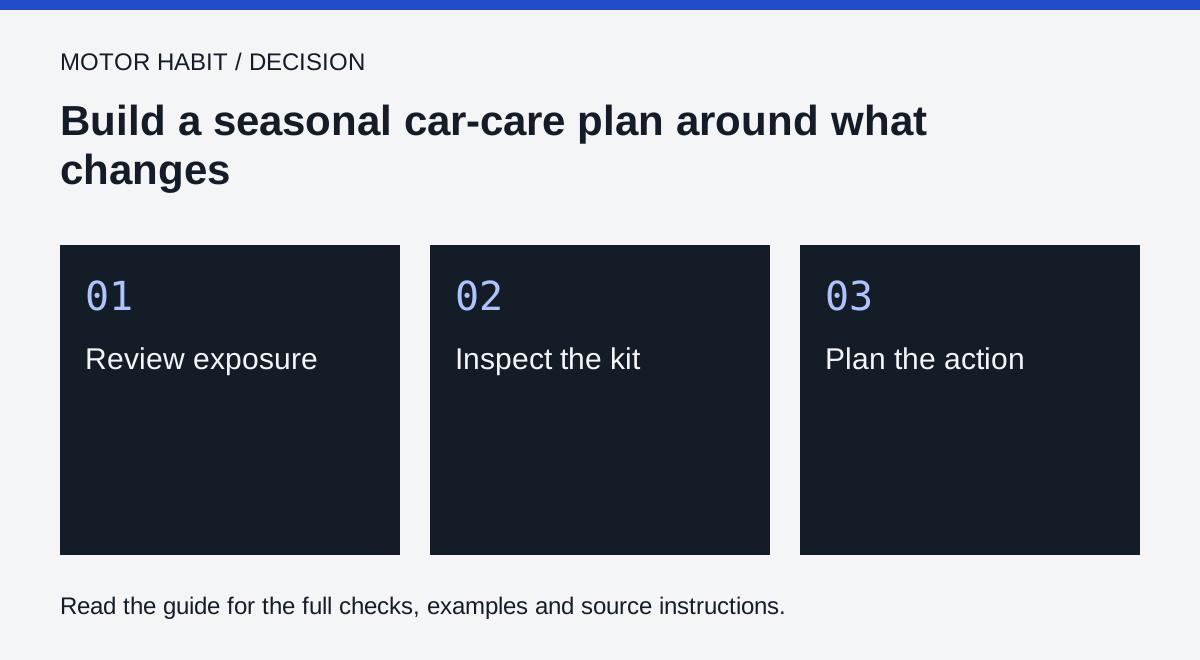
Your next steps
- Review exposure: note what has changed
- Inspect the kit: check product and tool condition
- Plan the action: separate cleaning from maintenance
Questions that come up
Will the site email me reminders?
No. Download and import the calendar file, then manage notifications in your calendar app.
Does this replace the vehicle’s service schedule?
No. These are cosmetic care and inspection reminders; follow the manufacturer’s servicing requirements separately.
Does the care-calendar download send email reminders?
No. The tool creates an all-day calendar file for the dates you choose. Import it into your own calendar and configure any notifications there. It does not connect an email account or monitor the car.
Sources and further reading
Source references for this edition, September 8, 2026. Recheck changeable rules and the exact product or vehicle instructions before acting.